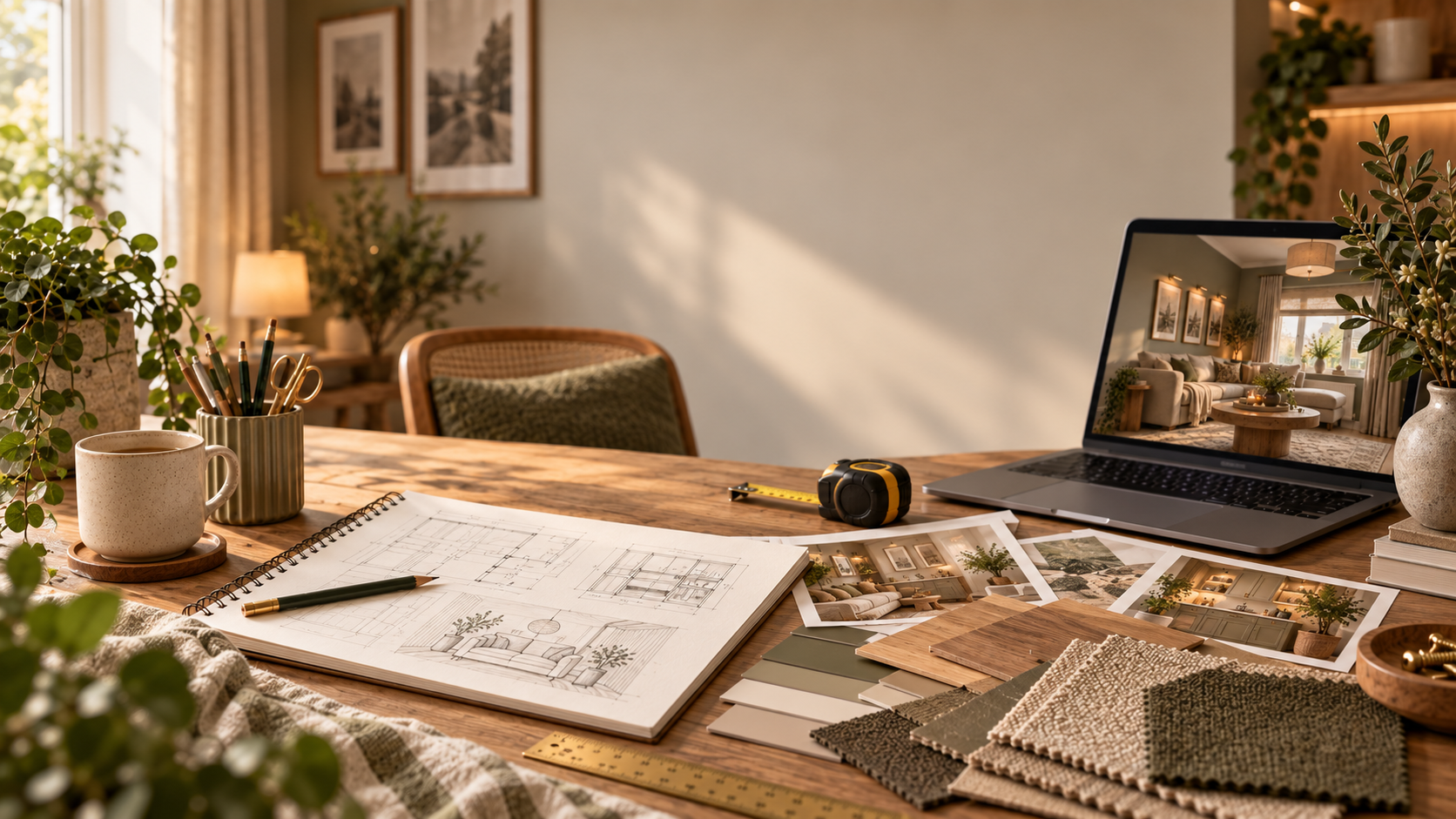
A built in desk can make a spare wall work much harder, but fixed joinery is less forgiving than a movable desk if the ergonomics are wrong.
Plan around the person who will actually use the desk. Test the chair, screen, keyboard and mouse together before you build so shoulders can stay relaxed, there is enough leg room and the screen does not force you to twist or look down all day.
Also plan cable access and sockets before you close the wall with storage. A neat desk should not depend on daisy chained extensions hidden inside a cupboard.
Tools
What you’ll need to do the job.
- Tape measure
- Chair and screen for full scale testing
- Spirit level
- Pipe and cable detector
- Drill/driver
- Suitable saw or cutting service
- Square
- Clamps
Materials
What you’ll need to build it.
- Desk top material suited to the span
- Cabinet/shelf material
- Battens, brackets or carcass supports
- Cable grommets or accessible cable route
- Appropriate fixings
- Finish/edge treatment
Step by step
Do it in this order.
Start with the user, not a standard height
Set up the intended chair and screen and find a comfortable position where shoulders are relaxed, keyboard/mouse are accessible and the screen can sit at an appropriate viewing height/distance.
Measure the working envelope
Allow enough width/depth for the real screen, keyboard, mouse, task material and forearm movement. Check leg and knee clearance under the desk.
Plan screen and lighting position
Avoid a layout that forces twisting or persistent glare. Leave flexibility for a monitor arm/riser if the user or equipment changes.
Map power and data access
Work from existing safe socket/data positions where possible. If new fixed points are needed, get an electrician involved before building the joinery.
Check hidden services and supports
Identify the wall construction and concealed service risk before fixing battens, brackets or cabinets.
Build support for the actual span
Choose a top thickness/material and support layout appropriate to the width, equipment load and any unsupported front edge.
Add storage without stealing posture
Keep shelves, drawers and cabinets clear of knees, elbows and screen sightlines. Everyday storage should be reachable without repeated twisting.
Test before finishing
Use the workstation for a realistic session before final decorative finishing. Small adjustments are much easier while shelves and supports are still accessible.
Things we’d do
Small choices that make the job better.
- A separate keyboard and mouse can make laptop based working much easier to set up comfortably.
- Make the screen position adjustable even if the desk itself is fixed.
- Use cable grommets/access panels rather than trapping plugs behind fitted panels.
- If several people share the desk, build adjustability into chair/screen setup instead of optimising only for one body size.
Things we wouldn’t
Common shortcuts that usually cost you later.
- Copying a desk height from a product listing without testing the actual user and chair.
- Mounting the screen off centre so the user twists for hours.
- Closing power strips, transformers or cable joints into inaccessible joinery.
- Using a long unsupported top because the material looks thick enough.
Before you start
Know where DIY stops.
- Check hidden services before drilling or screwing into walls.
- If fixed sockets, lighting or circuits need changing, use an electrician.
- For regular DSE work, use the workstation in line with current ergonomic/DSE guidance and adjust it if discomfort develops.